
 01
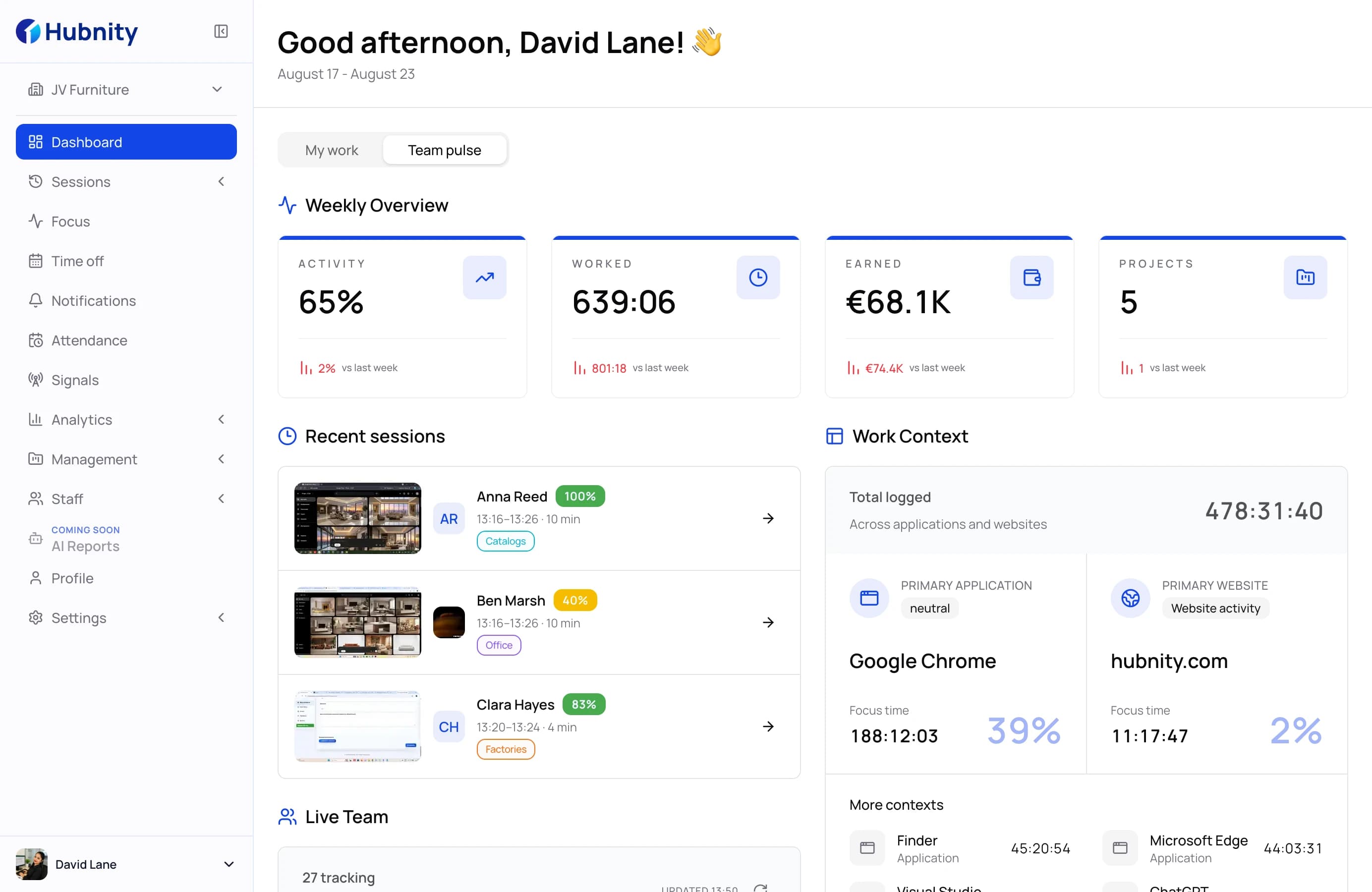
01AI reports that write themselves
A written summary of the week per team and per person: what moved, what stalled, and who is quietly overloaded. Not a dashboard to interpret — a report to read.
See AI reportsHubnity · Hubstaff · Toggl Track · Clockify
Hubstaff, Toggl Track and Clockify all count hours. Hubnity reads them: a written weekly report, unusual-activity signals and payroll from the same record — included in the plan, not sold beside it.
Compared against public plans, verified September 2026
Head to head
Pick the tool you use today. We list where Hubnity goes further — and where it is the same, so you know the trade-off is real.
Where Hubnity goes further
Hubstaff gives you dashboards to interpret. Hubnity writes the weekly report — per team and per person, with blockers named.
Unusual-activity detection is a paid Insights add-on in Hubstaff. In Hubnity it is part of the plan.
Hubstaff classifies apps from a global list. Hubnity lets each organization decide what counts as work for whom.
Where they match
Both track time with screenshots, activity levels, apps and URLs, GPS, attendance, time off, payroll and PayPal payouts.
Full comparison
Everything that matters when a team picks a tracker, in one table. Hover a half circle to see why it is only half.
| Capability | Hubnity | Hubstaff | Toggl Track | Clockify |
|---|---|---|---|---|
| Understand patterns | ||||
| AI-written weekly reports | Insights add-on: dashboards, no written report | |||
| Unusual activity signals | Insights add-on, billed per seat | |||
| App categories defined per organization | Global category list, tuned in the Insights add-on | |||
| Remote vs in-office comparison | ||||
| Capacity planning and workload | Utilization in the Insights add-on | Separate Toggl Plan product | Scheduling only, no utilization | |
| Review activity | ||||
| Screenshots with privacy blur | ||||
| Apps and websites visible to managers | Timeline is private to the user | Auto tracker is private to the user | ||
| Idle detection | ||||
| Activity levels from keyboard and mouse | ||||
| Track work | ||||
| Desktop, mobile and web timers | ||||
| Timesheet approval | ||||
| Attendance and shift schedules | ||||
| Time off with accruals | ||||
| GPS and geofenced job sites | ||||
| Pay and plan | ||||
| Payroll with pay rates and adjustments | Cost rates and reports, no payroll run | |||
| Payout batches through PayPal | ||||
| Project budgets and costs | ||||
| Task board inside each project | Separate Hubstaff Tasks product | Separate Toggl Plan product | Separate Plaky product | |
| Jira integration | ||||
| Interface in 21 languages | ||||
Based on each vendor's public plan pages and documentation, verified September 2026. Hubstaff, Toggl Track and Clockify are trademarks of their respective owners and are not affiliated with Hubnity.
Only in Hubnity
Four things a manager gets on Monday morning from Hubnity that the other three do not ship in the product — or ship only as a paid add-on.
01A written summary of the week per team and per person: what moved, what stalled, and who is quietly overloaded. Not a dashboard to interpret — a report to read.
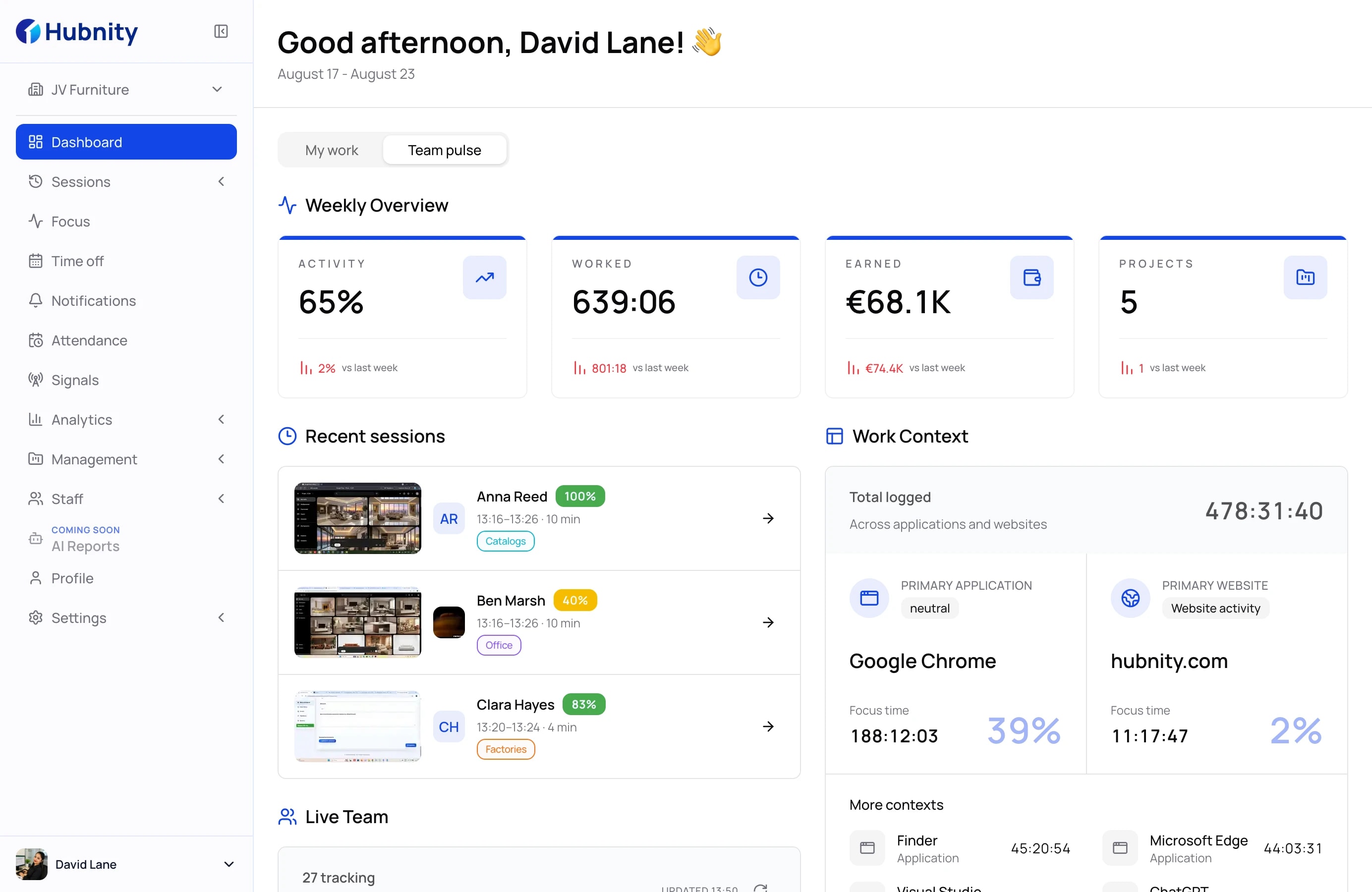
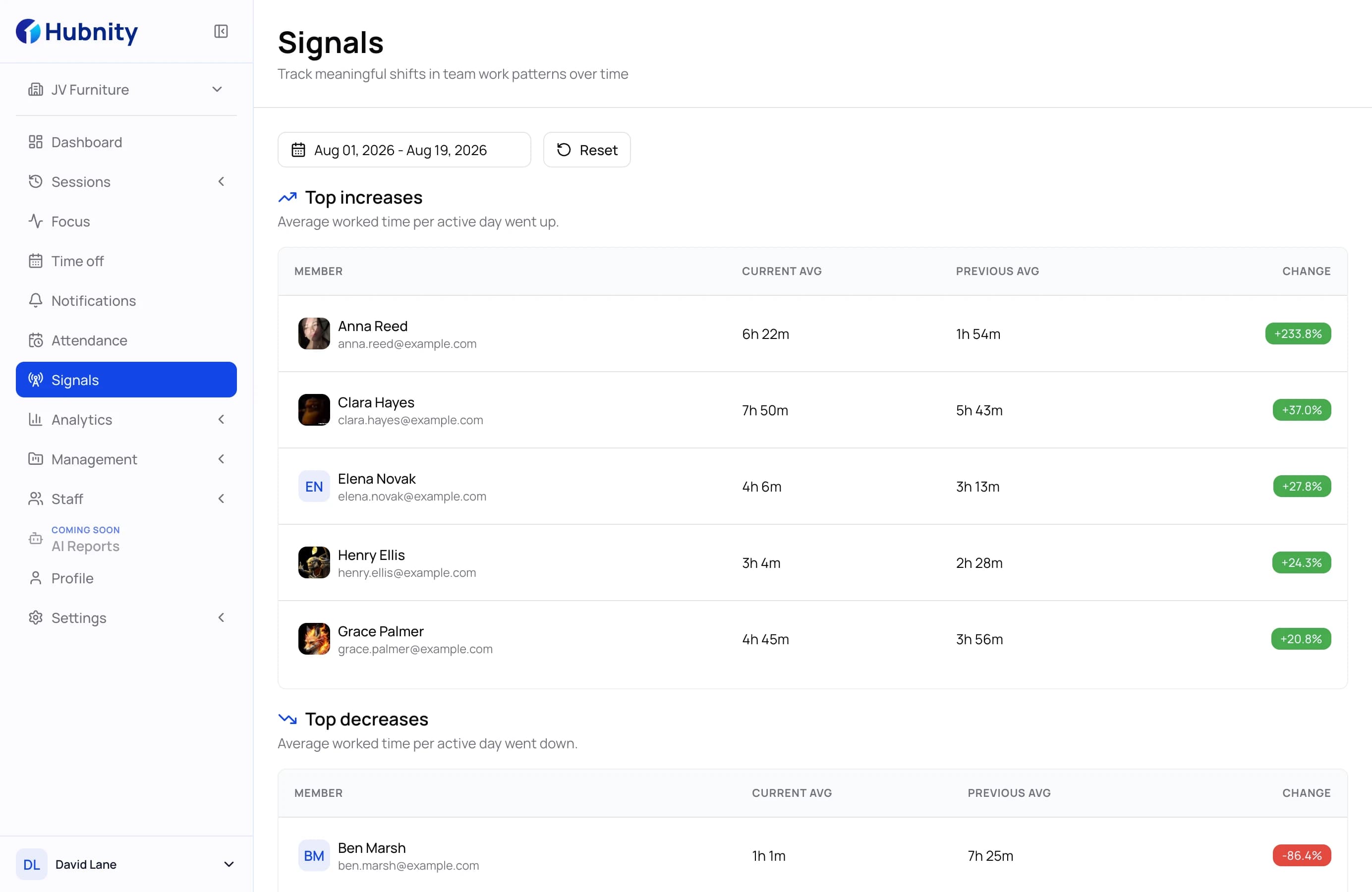
See AI reports02Unusual hours, activity that does not match the timer, a device that changed overnight. Hubnity raises the signal, attaches the evidence, and leaves the judgement to you.
See unusual activity signals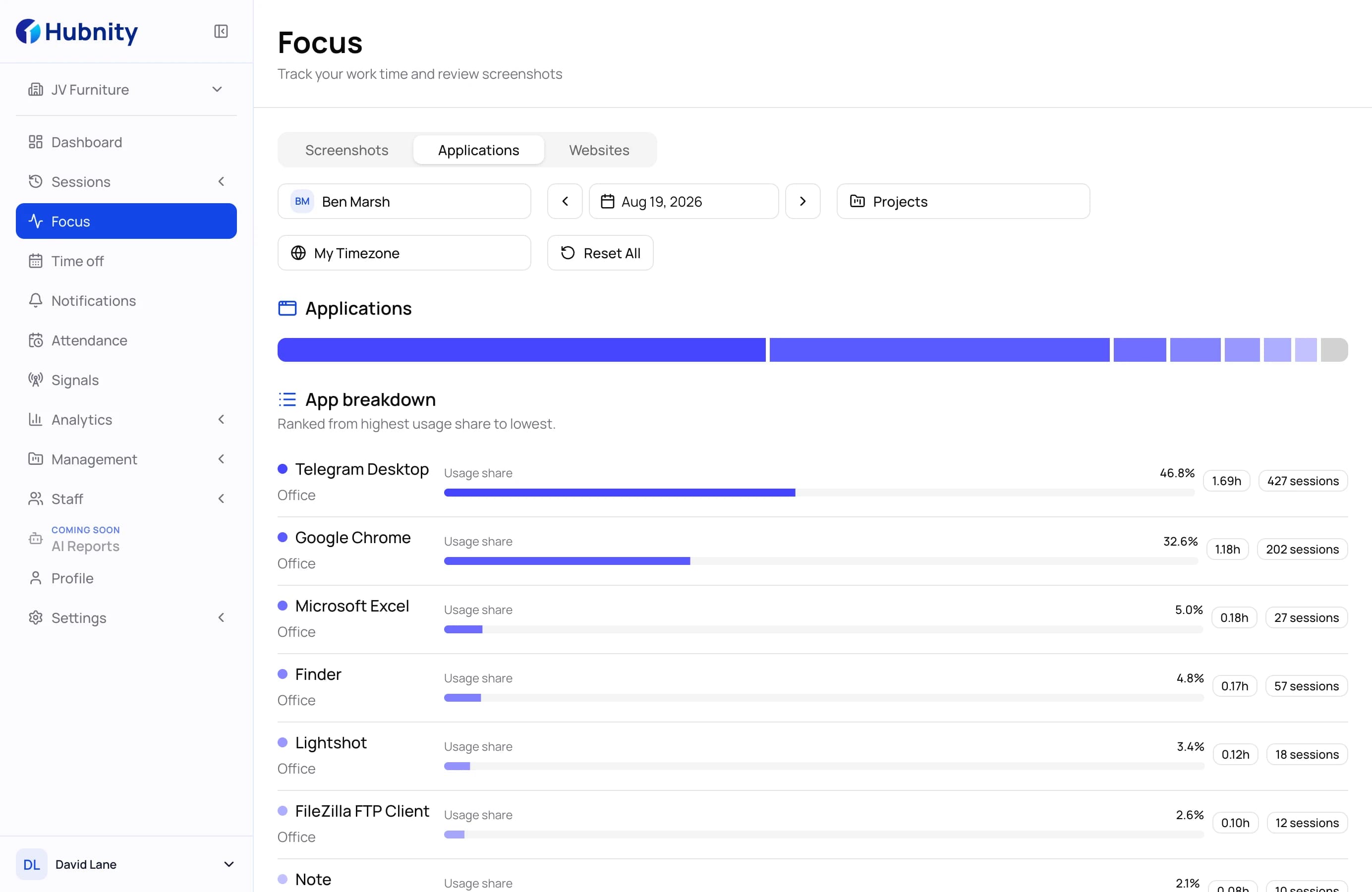 03
03Decide what counts as work for your organization. Figma is productive for design and a distraction for accounting — one rule, applied everywhere, no global list you cannot edit.
See app and URL tracking 04
04Every session records where it happened. Compare remote days with office days on the same team, with the same metrics, before the next return-to-office debate.
See remote vs in-officeSwitching
No data migration, no consultant. A team of thirty is usually tracking by the end of the day.
Step 1
One invite link per team. Members land in the right project with the right role, no spreadsheet of emails.
Step 2
Desktop for Windows, macOS and Linux, mobile for iOS and Android. The first session syncs the moment it ends.
Step 3
Reconnect Jira, recreate projects and set the idle and screenshot rules your team already agreed to.
Straight answers for teams weighing Hubnity against Hubstaff, Toggl Track and Clockify.
Hubstaff and Hubnity overlap on the basics — timers, screenshots, activity levels, GPS, payroll and PayPal payouts. The difference is what happens after the data is collected. Hubnity writes the weekly report, raises unusual-activity signals and lets each organization define its own app categories, all included. In Hubstaff, the closest equivalents are a paid Insights add-on and a global category list.
Fourteen days, every feature, no card. Bring one team over and compare the Monday report side by side.
Talk to sales